
How to Verify Your Mobile Number and Aadhaar on Beat22
Verifying your details is an important step to make your studio “Verified” on Beat22. Follow the guide below to complete both Mobile Number Verification and Aadhaar Verification via DigiLocker easily.
Step 1: Mobile Number Verification
- Go to Settings → Account Settings in your Beat22 dashboard.
- Enter your mobile number in the given field.
- Click on Verify.

4. A popup will appear asking for the OTP sent to your number.
5. Enter the OTP and click on Submit.
6. Once verified, your mobile number will show as Verified.
Step 2: Aadhaar Verification (via DigiLocker)
If you’re 18 or above:
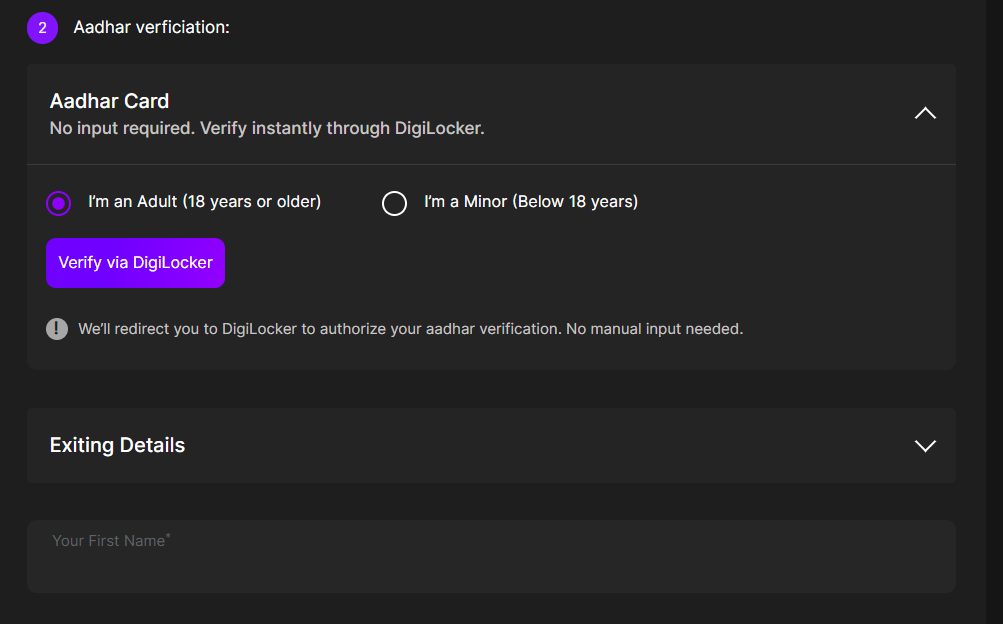
- Under Account Settings, go to Aadhaar Verification.
- Click on Verify via DigiLocker.
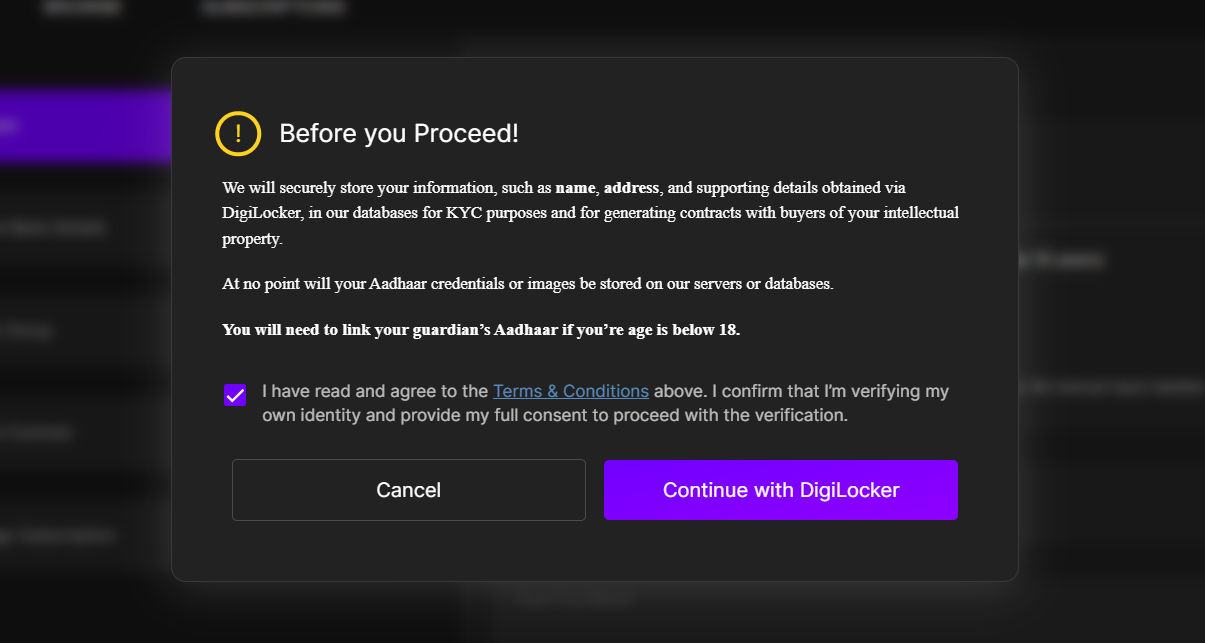
3. A popup will appear — tick the checkbox for “I have read and agree to the Terms & Conditions.”
4. Click on Continue with DigiLocker.
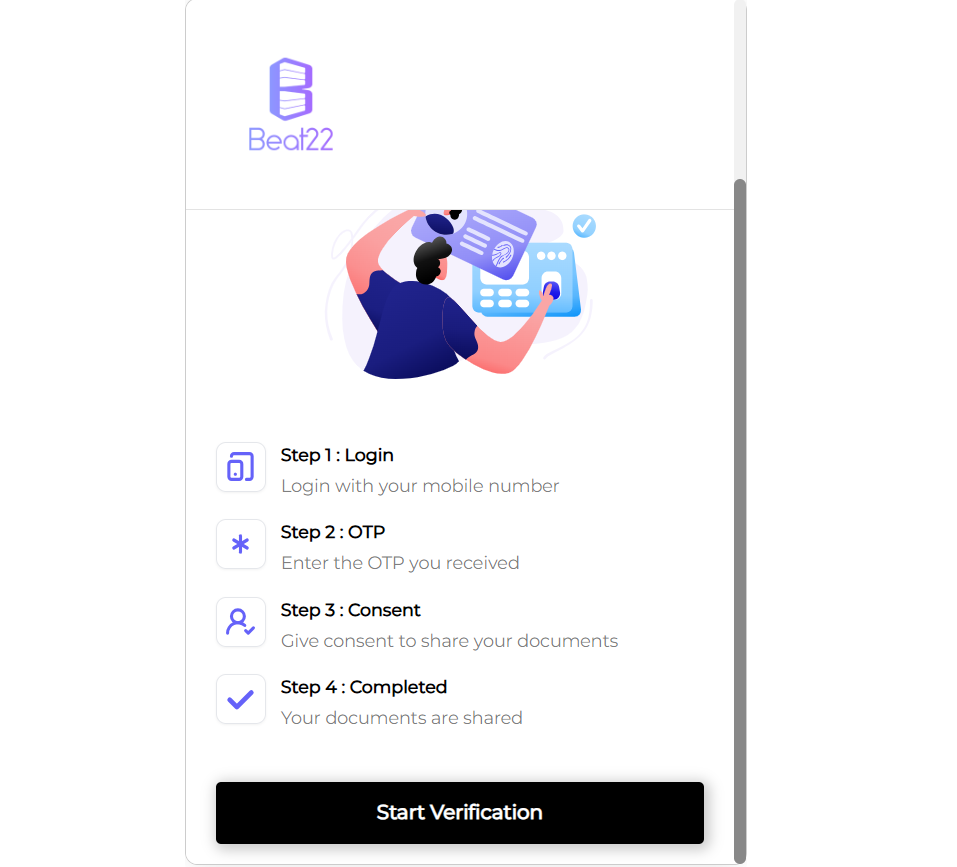
5. You’ll be redirected to the DigiLocker page.
6. Click on Start Verification when prompted.
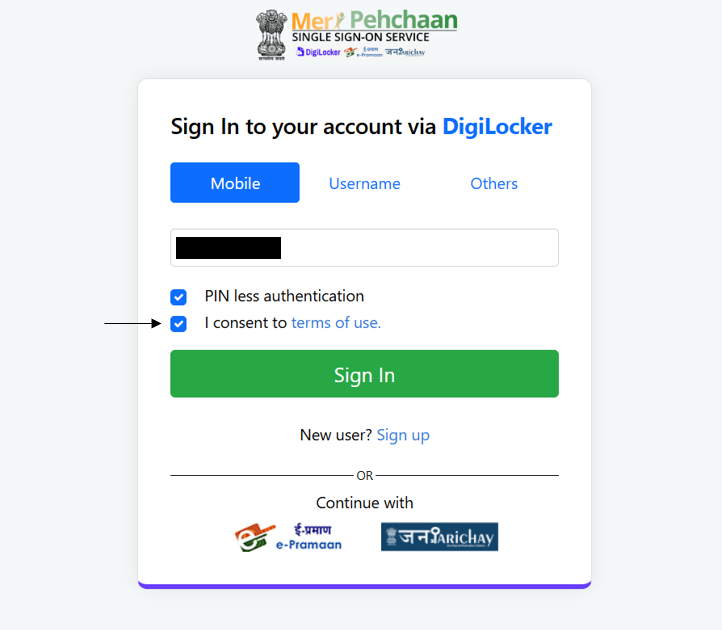
7. On the next page, tick “I consent to terms of use.”
8. Click on Sign In.
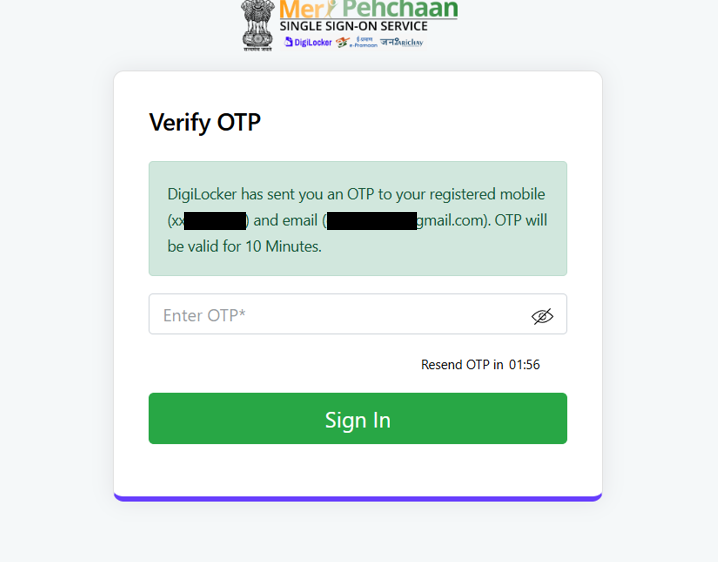
9. You’ll receive an OTP on your registered mobile number, enter it and click Sign In again.
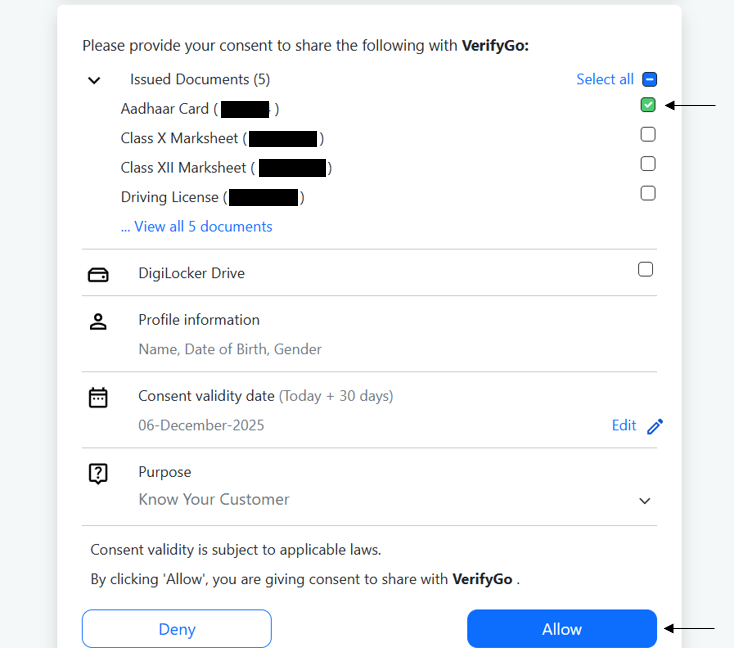
10. A final DigiLocker popup will appear. Tick on Aadhaar Card and click Allow.
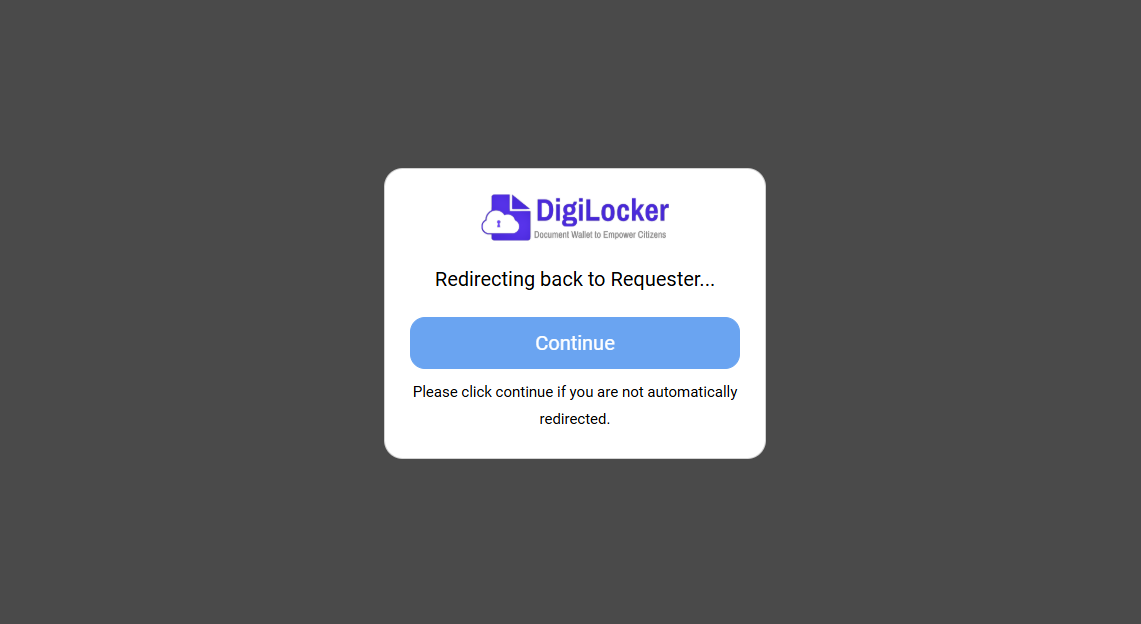
11. You’ll see a message that says “Redirecting back to requester.”
12. Once redirected, the data will be fetched automatically.
13. Refresh the page, and you’ll see your Aadhaar status as Verified.
If you’re below 18:
You’ll need to complete two verifications, first with your own Aadhaar, and then again with your guardian’s Aadhaar following the same DigiLocker steps above.
Done!
Once both your mobile number and Aadhaar are verified, your studio will officially be marked as Verified on Beat22, unlocking better visibility, higher trust, and access to full platform features.
(DISCLAIMER: Beat22 does not legally represent any producers, sellers, and artists via this Platform. Beat22 is only recommending license terms as per universally acceptable industry practices. You are advised to consult with independent legal counsel before licensing any music and/or entering any transaction via Beat22 Platform.)


