Your Display Picture (DP) is the first thing buyers and artists see on your profile — so make it count! Updating it is quick and easy.
Steps to change your display picture:
1. Go to your Settings
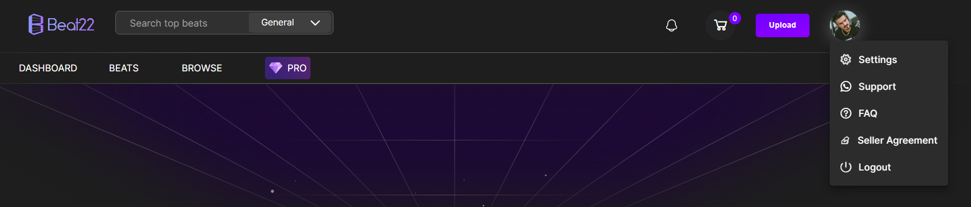
Click on the Studio Setup tab
Click on the Profile Picture
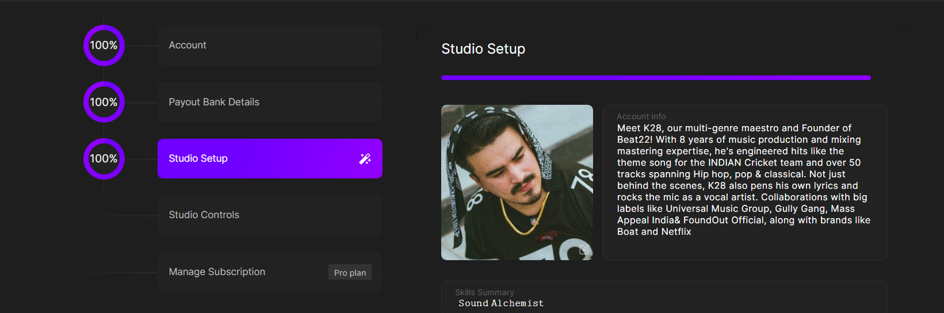
Choose your image from your device
Click Submit


Your new DP will be updated instantly across the platform.
Tips for a Great DP:
- Use a clear, high-quality image
- Avoid logos with text that's too small to read
- Show your face or brand identity — it builds trust!