Your Studio Handle is your public identity on Beat22, visible on your beats, profile, and during buyer interactions. Want to change it? It’s super simple.
Steps to change your studio handle:
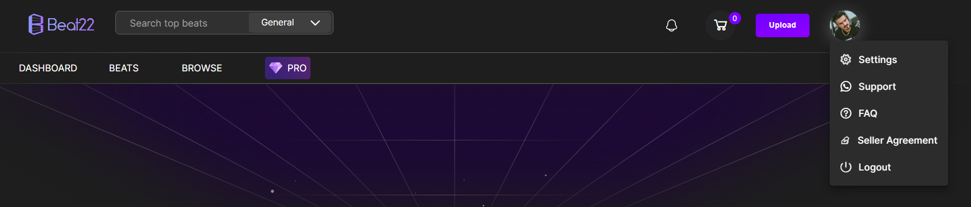
Go to your Settings
Click on the Account tab
Find the Studio Handle field
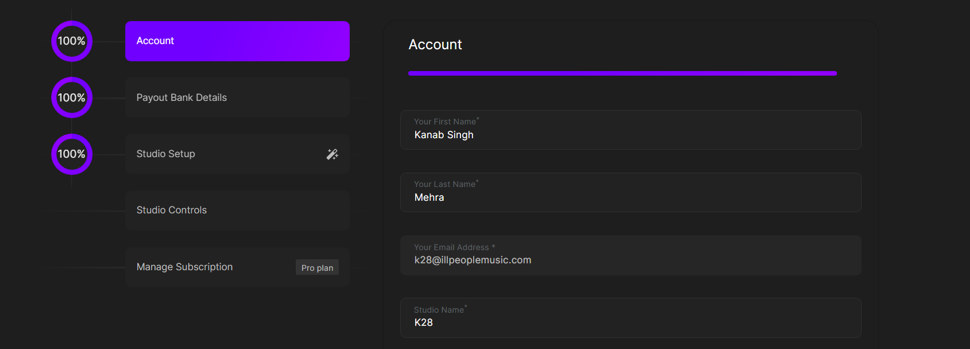
Enter your new handle
Click Submit


That’s it — your handle will be updated instantly!