Your Studio Handle is your public identity on Beat22 — visible on your beats, profile, and during buyer interactions. Want to change it? It’s super simple.
Steps to change your studio handle:
1. Go to your Settings
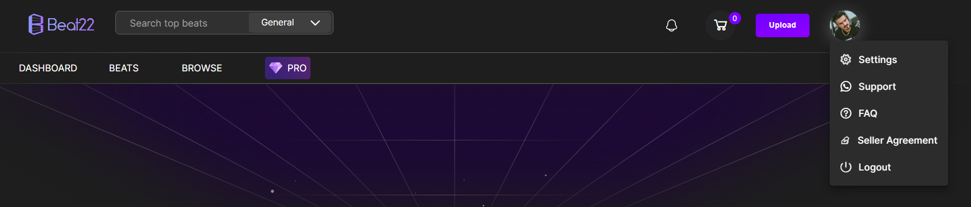
Click on the Account tab
Find the Studio Name field
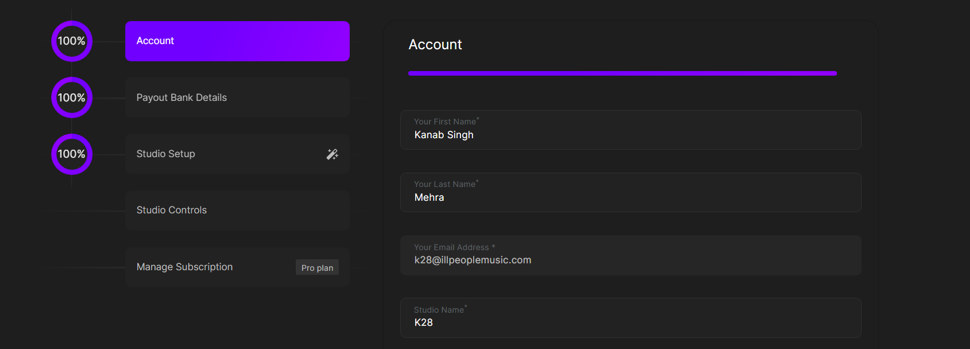
Enter your new handle
Click Submit


That’s it — your handle will be updated instantly!