
Article on:
Studio FAQs
How can I change my studio handle?
Your Studio Handle is your public identity on Beat22, visible on your beats, profile, and during buyer interactions. Want to change it? It’s super simple.
Steps to change your studio handle:
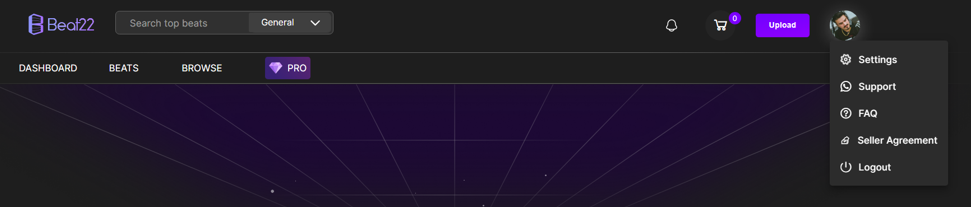
- Go to your Settings
- Click on the Account tab
- Find the Studio Handle field
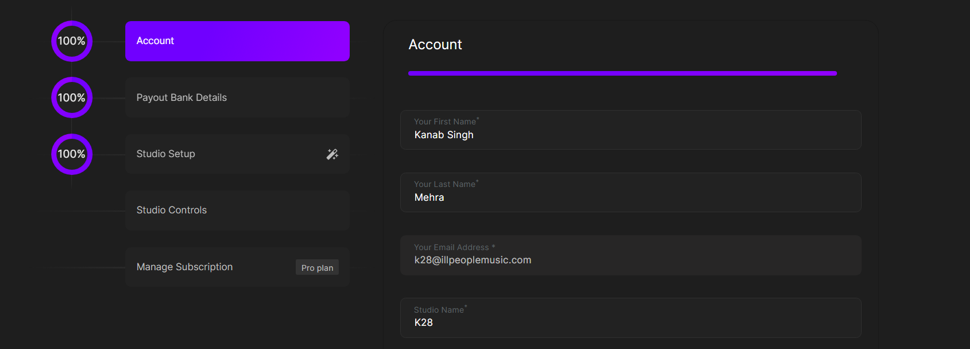
- Enter your new handle
- Click Submit
That’s it — your handle will be updated instantly!
(DISCLAIMER: Beat22 does not legally represent any producers, sellers, and artists via this Platform. Beat22 is only recommending license terms as per universally acceptable industry practices. You are advised to consult with independent legal counsel before licensing any music and/or entering any transaction via Beat22 Platform.)


