Need to make a beat live again? Learn how to unarchive your beats on Beat22 and restore them to active status in a few simple steps.
Go to Your Dashboard
- Log into your Beat22 seller account and head over to your dashboard.
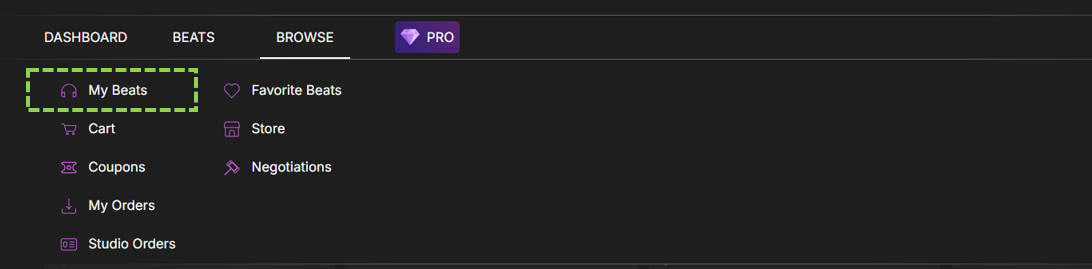
Click on Browse at the top

Click on “My Beats”
Click on the “Archived” Button

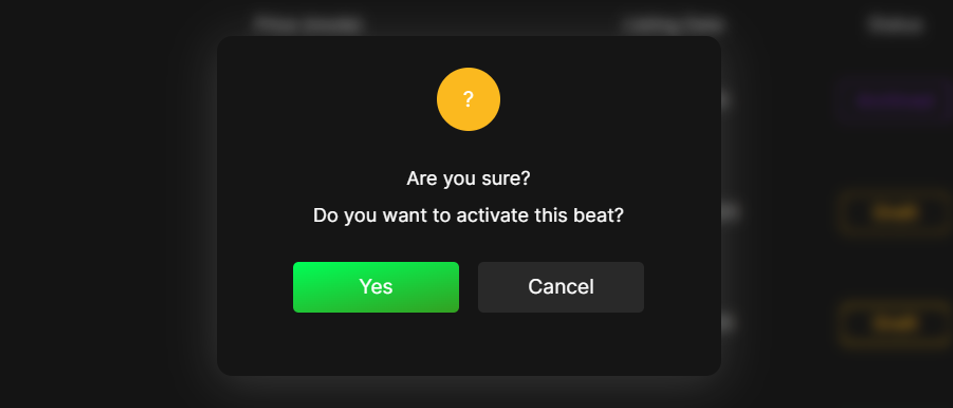
A pop-up will appear, select “Yes” to confirm. Your beat will be moved back to Active status.