Want to stop selling a license for a beat? Learn how to disable specific licenses on Beat22 in just a few easy steps.
Log into your Beat22 seller account
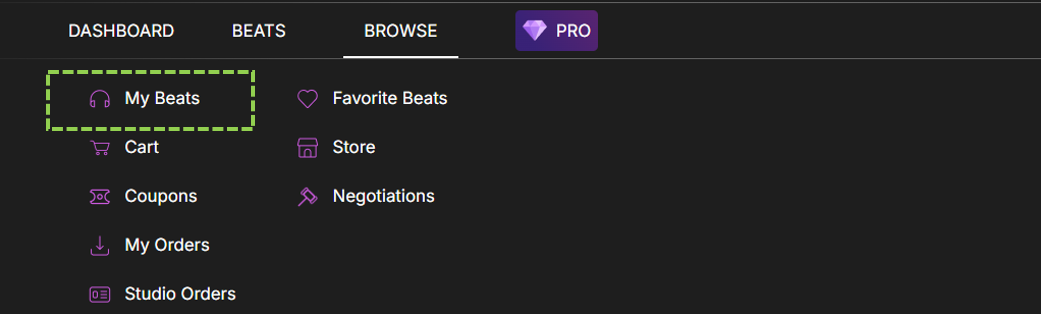
Click on Browse at the top

Click on “My Beats”
Click on Edit option [circled]

Scroll to the License Section
Uncheck the License You Want to Disable (Non-Exclusive and Exclusive)
Click “Submit”


