
Sometimes you may want to temporarily remove a beat from public view without permanently deleting it. That’s where the Archive feature comes in handy. Archiving a beat means it's hidden from the marketplace, but you can still access it privately from your dashboard and restore it anytime.
How to Archive Your Beat on Beat22:
Go to Your Dashboard Log into your Beat22 seller account and head over to your dashboard.
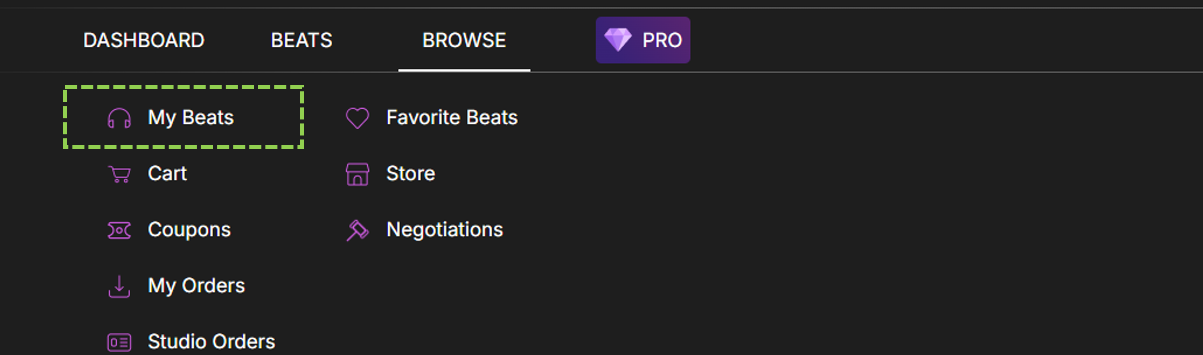
Click on Browse at the top

Click on “My Beats”
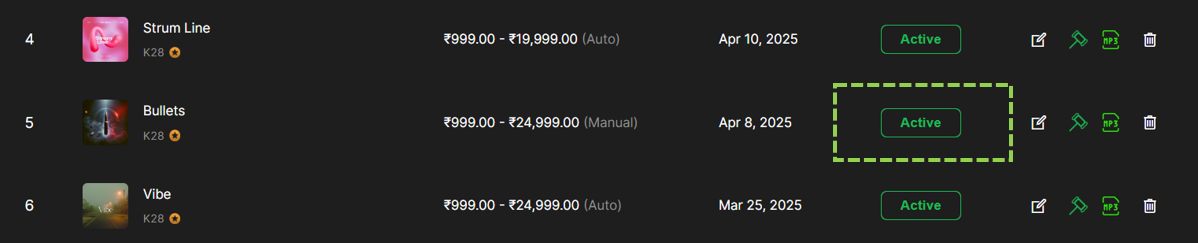
Click on the “Active” Button
A pop-up will appear, select “Yes” to confirm. Your beat will be archived.