
Found a beat you love and want to share it with your friends, artist, or producer? Beat22 makes it super easy to share beats directly from the platform in just a few clicks.
Here’s how you can do it:
Step-by-Step: How to Share a Beat
- Go to beat22.com
Browse the platform and find the beat you want to share.
- Click on the 3 Vertical Dots (⋮)
On the beat card (top right corner), click the three vertical dots next to the price.
- Select “Share”
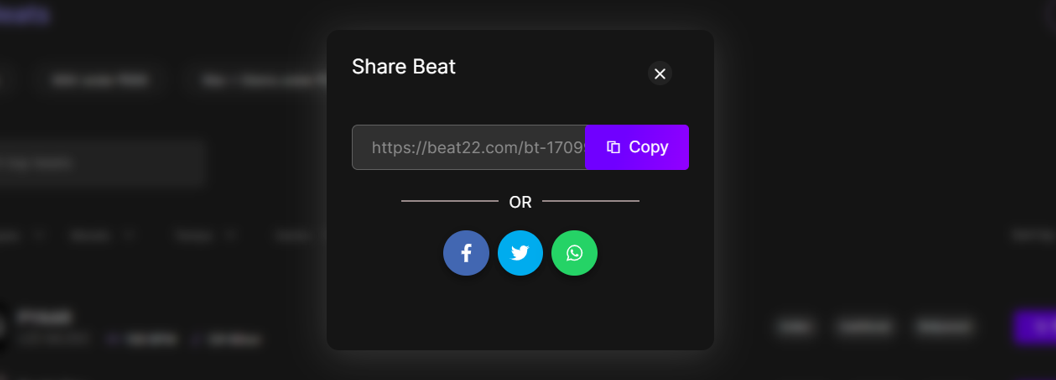
From the dropdown menu, click on “Share”. - Copy the Link or Use Social Options
- A link will be copied to your clipboard, which you can paste anywhere (WhatsApp, Instagram DM, email, etc.)
- Or you may see direct social sharing options like Twitter, Facebook, etc.
Now What?
Once you’ve shared the beat link:
- The recipient can preview the beat
- They can see pricing and licensing options
- If they like it, they can buy or make an offer right away!
Use It To:
- Share beat options with artists or collaborators
- Show your team before purchasing
- Recommend a beat to your friends or followers