
Article on:
Purchasing & Pricing
How can I apply a coupon code on my purchase?
Good news, you don’t need to search for or ask anyone for a coupon code on Beat22!
If a seller has added a coupon to their beat, the system will automatically apply it at checkout. No manual entry. No extra steps.
Here’s How It Works:
- Pick a Beat
Browse and choose any beat you like on Beat22.com.

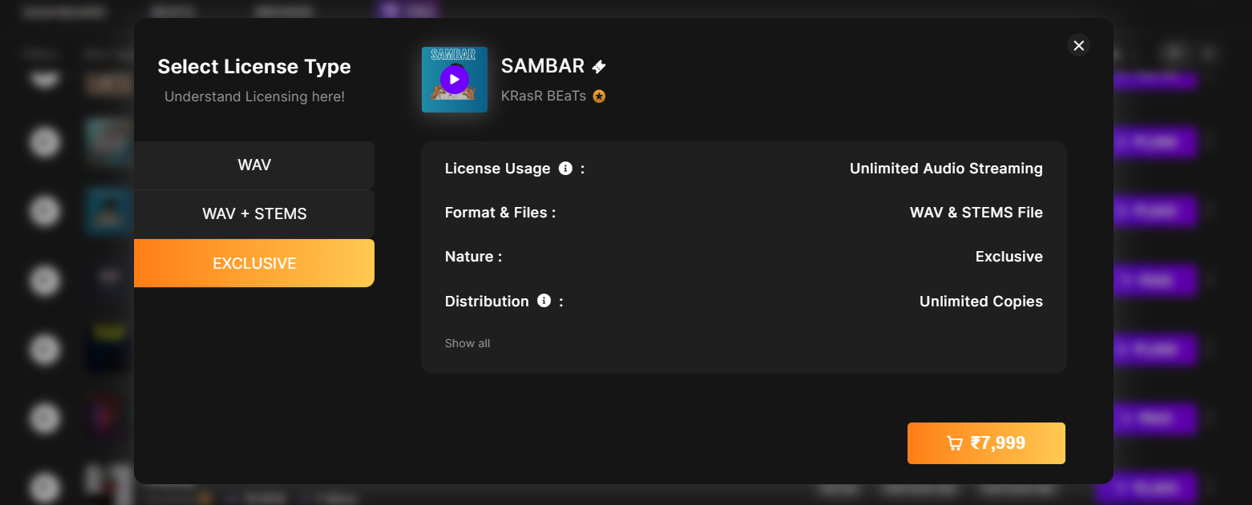
- Select a License Type
Click on the price next to WAV, WAV + Stems, or Exclusive to add the beat to your cart.
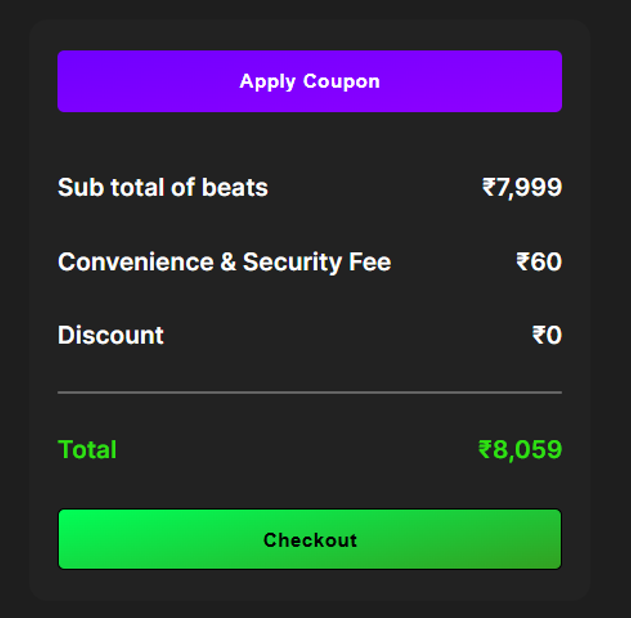
- Open Your Cart
Click the cart icon at the top-right of the site to view your order.

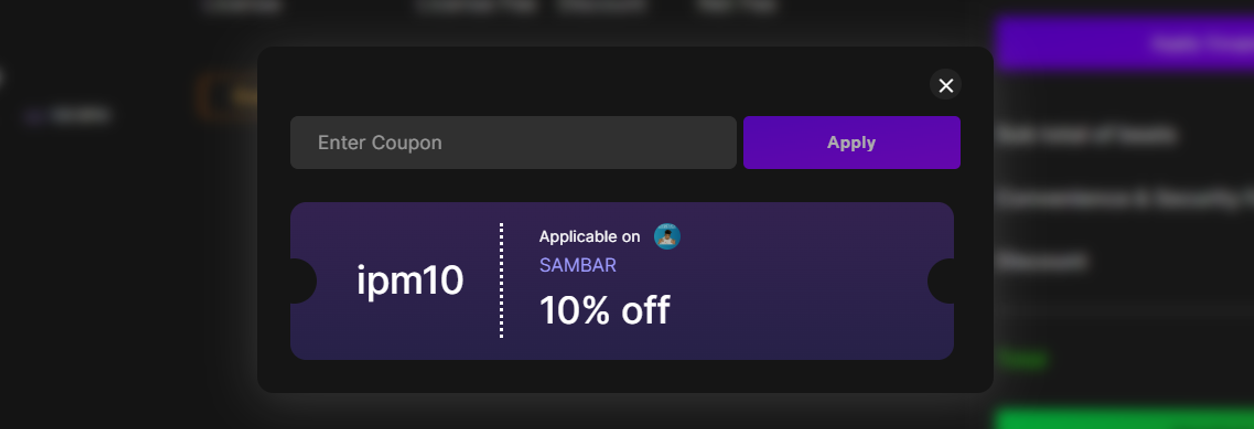
- Coupon Auto-Applies
If the seller has a coupon on that beat, the discount will automatically reflect in your cart.
- Complete Payment
Just proceed to payment with the discounted total.
Important:
- You do not need to enter any code manually.
- If a beat has a coupon, it will apply automatically.
- You don’t need to ask anyone for a code. If it’s available, you’ll see the discount right away.
Now you can focus on making music and saving smart.
Need help? Reach us anytime at support@beat22.com
(DISCLAIMER: Beat22 does not legally represent any producers, sellers, and artists via this Platform. Beat22 is only recommending license terms as per universally acceptable industry practices. You are advised to consult with independent legal counsel before licensing any music and/or entering any transaction via Beat22 Platform.)


