
Article on:
Licensing Content
Can I edit the price of a license?
Yes, you can absolutely edit the price of any license. Whether you want to adjust pricing based on demand, experiment with new strategies, or offer a temporary drop. You’re in full control.
Here’s how it works:
How to Edit Your License Price
- Log into your Beat22 seller account
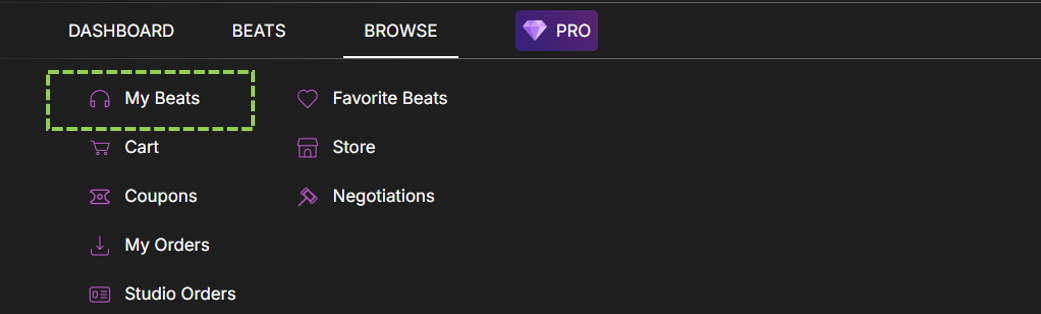
- Click on Browse at the top

- Click on “My Beats”
- Click on Edit option [circled]

- Scroll to the License Section
- Update the price for any license (Non-Exclusive and Exclusive)
- Click “Submit”
Your new prices will be reflected instantly on the marketplace.
(DISCLAIMER: Beat22 does not legally represent any producers, sellers, and artists via this Platform. Beat22 is only recommending license terms as per universally acceptable industry practices. You are advised to consult with independent legal counsel before licensing any music and/or entering any transaction via Beat22 Platform.)


